

Quick Start Guide
Install the Godot Addon to get started:
- If you haven't gotten started with Blender yet, take a look at that first.
- Once in your project, click on
AssetLibat the top of the Godot editor. - Click the
Import...button. - Select the
Folded Paper EngineGodot addon zip file. - Click
Open. - In the import dialog, uncheck
Ignore Asset Rootso the addon installs underaddons/folded_paper_engine. If it installs directly tofolded_paper_engineat the project root, move that folder intoaddons/. - Click on the
Plugins...button. - Check the box next to
Folded Paper Engineto enable it. - Click
Close. - Restart Godot.
Setup your Scene:
- Create a new 3D Scene.
- Right click on the base node in your new Scene and select
Add Child Node.... - Search for and add a
WorldEnvironment. - Add another child node, search for and add a
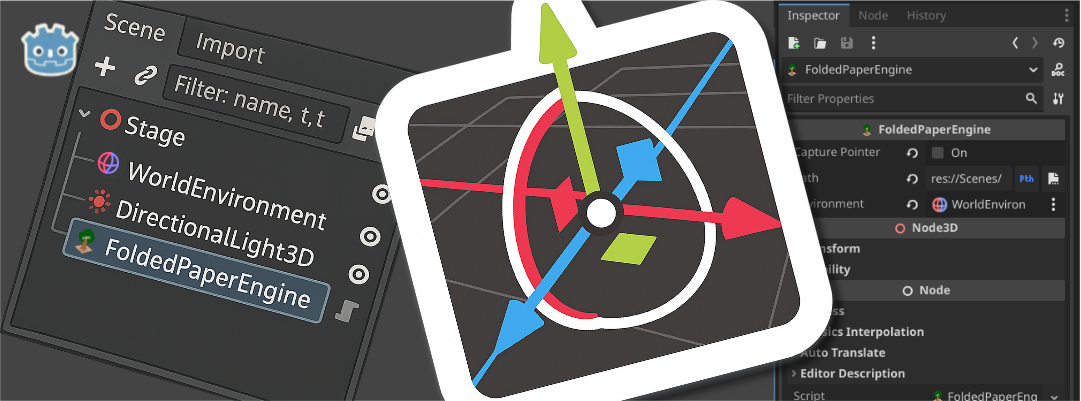
FoldedPaperEnginenode. - Select the
FoldedPaperEnginenode in the Scene tree. - In the
Inspectorpanel on the right side of the editor, click the document icon next to thePathproperty. - Find and select your
GLB/GLTFfile. - Click
Open. - Next to the
Environmentproperty, clickAssign.... - Select your
WorldEnvironmentand clickOK. - You may want to add some lighting, like a
DirectionalLight3Dso that you can see what's in your Scene. - CONGRATS! You can now run your game! (Controllers and WASD keys will control your Player.)